CapCut
CapCut for PC with all basic editing tools including resizing, trimming, and cutting.

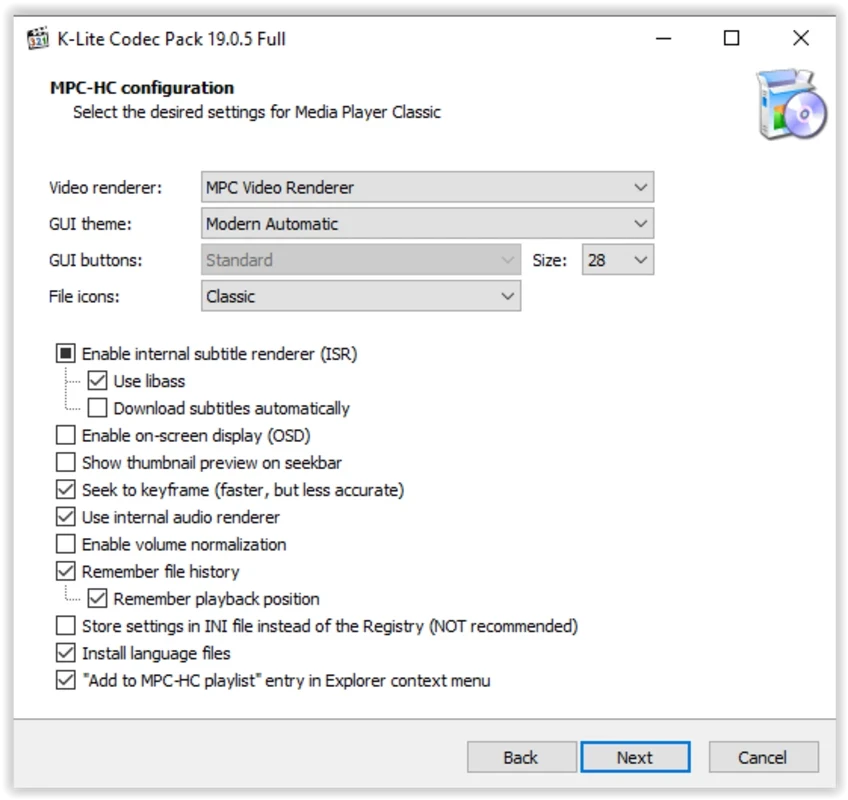
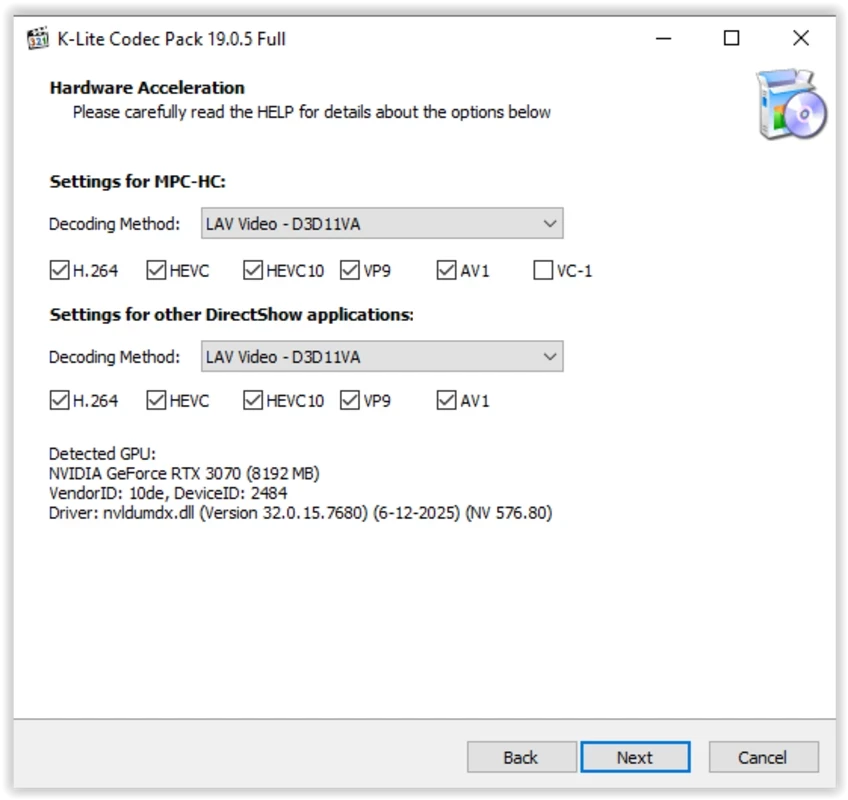
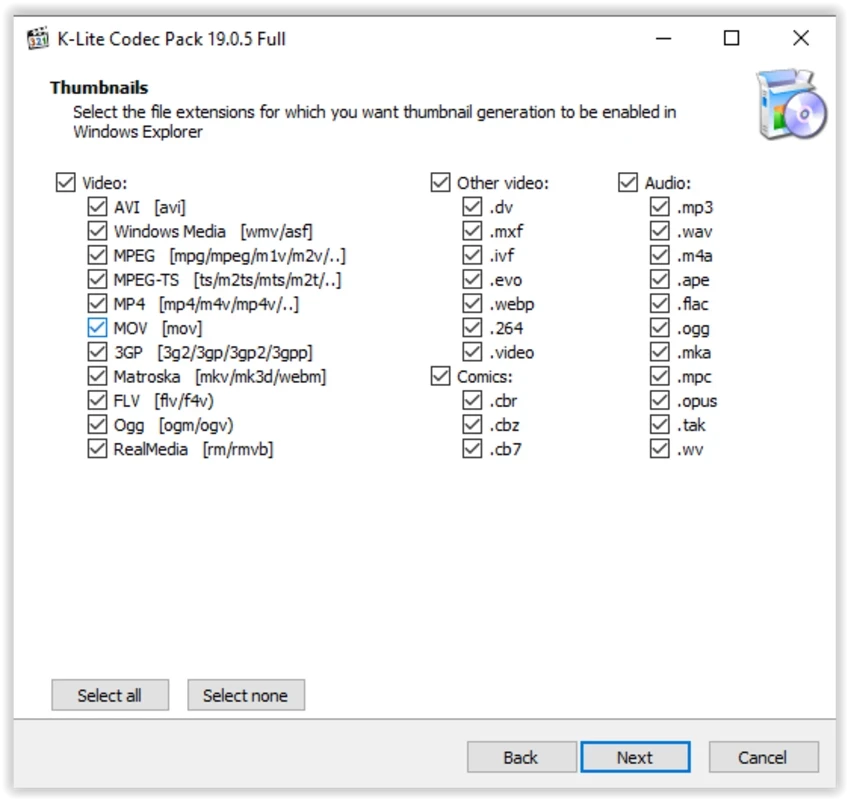
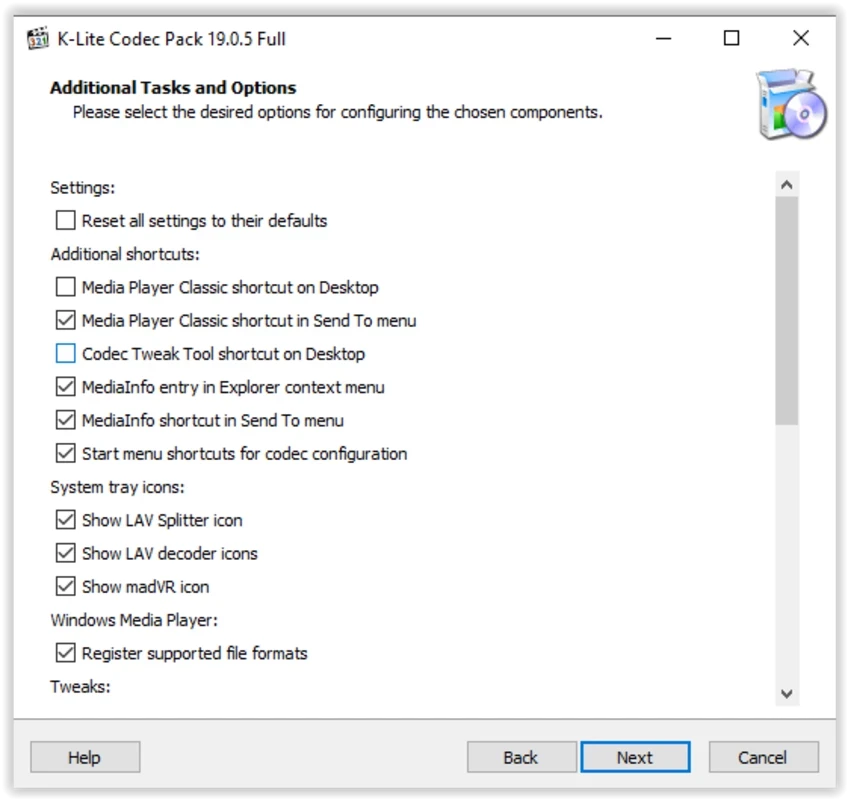
K-Lite Code Pack is a powerful suite of codecs, filters, and tools to manage your multimedia files on your Windows PC. It is a free and lightweight utility that offers awesome integration for DirectShow-based players, including Media Player Classic, Windows Media Player, and so on. You can easily enable audio/video playback on your system while installing codecs, filters, and other important tools.
K-Lite Code Pack supports a wide variety of file formats and is reliably usable on both 32-bit and 64-bit operating systems. It is cross-platform and offers four variants, such as Basic, Standard, Full, and Mega, to enhance the user experience, and offers hassle-free playback functionality while offering different techniques.
K-Lite Codec Pack, developed by CodecGuide, is a lightweight and free utility to enable users to install all related tools along with DirectShow filters, and VFW/ACM codecs for enabling the playback on your PC. It offers awesome services to manage playback from basic functionality to mega functions. The support for high-quality formats and different techniques helps users to watch videos with crystal clear sound and enhanced file size.
The comprehensive combination of filters, tools, and codecs manages all major multimedia file types and offers an awesome multimedia experience. It also offers coding and decoding of audio/video formats.
The software offers a Basic version equipped with basic video and audio playback support. It is lightweight and allows you to play your favorite multimedia files, such as watching a movie, listening to your favorite playlist, or streaming online content.
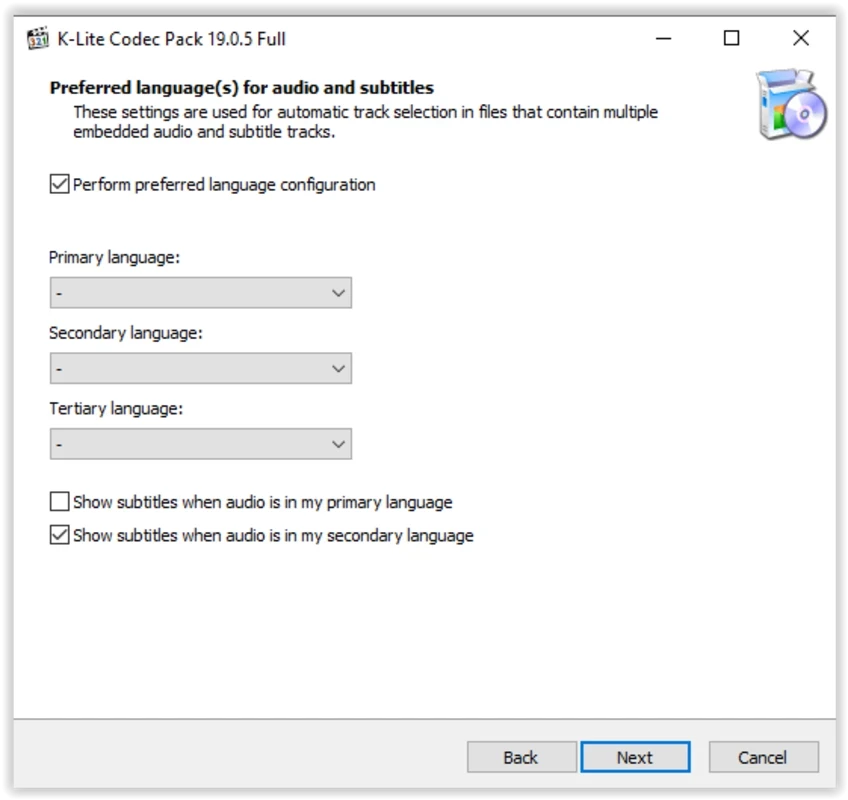
The codec pack supports subtitles to make the watching and listening experience awesome. It is the best solution for users who prefer their own language, so the software allows you to add subtitles to your visual content while selecting the language.
The software within cross-platform compatibility can be used for all Windows versions from Windows 7 to Windows 11. The constant updates are available, so you will find the latest codecs and file formats as well. The straightforward and intuitive setup offers a limited level of customization, so you will find customizable video thumbnails in Windows Explorer.
You find an awesome and comprehensive collection of codecs and formats to allow users to play their favorite content. So, you are capable of running your playback with support of AVI, MKV, MP4, FLV, MOV, MPEG, OGM, 3GP for videos, and MP3, FLAC, AAC, WAV, and OGG for audio. Likewise, you will find support for multiple advanced codecs such as H.265/HEVC, AVI, and Dolby Atmos. So, this innovative support makes the software one of the best solutions within high-definition video legacy formats.
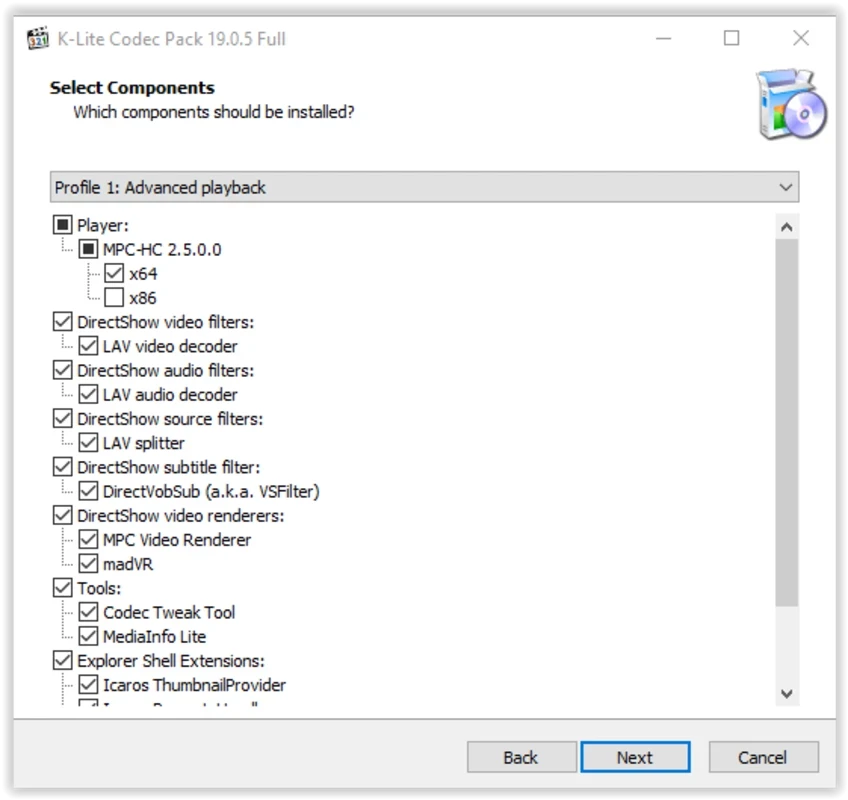
The software includes a powerful toolkit to enhance your audio/video playback experience, such as Media Player Classic Home Cinema (MPC-HC). It offers awesome capabilities for a media player. Likewise, the Codec Tweak tool allows configuration for the app.
The software offers four innovative editions to offer different packages for different requirements, such as;
Standard is a powerful package within a small size that allows users to play all common audio/video file formats, such as AVI, MKV, MP4, FLV, MPEG, etc for videos, MP3, FLAC, M4A, AAC for audio, and after decryption, it supports DVD and Blu-ray.
The innovative package offers awesome functionality such as HDR video playback, subtitle display, hardware-accelerated file association, and so on.
Similar to the Standard edition, it supports all features along with MadVR, a Plugin for 3D video decoding (H.264 MVC), while requiring MPC-HC with MadVR, and also a compatible graphics driver.
It also supports all features similar to the Full edition, and also ACM/VFW codecs, including x264VFW and Lagarith, Bass Audio Source, MPC Image Source, GraphStudioNext, and so on.
It is a small set of all necessary DirectShow filters, and doesn’t have a player. However, you can use the installed DirectShow player with this package, and Windows 10/11 has a modern version of Windows Media Player, but it is not compatible with the ODEC pack, as it doesn’t use DirectShow.
Pros
Cons

CapCut for PC with all basic editing tools including resizing, trimming, and cutting.

Get optimized converted multimedia files with Format Factory

Green Convert is a free video converter to offers a quick conversion and editing videos with support for limitless formats

Free Cam, capture, record, and edit videos to upload directly on YouTube

VLC supports multiple audio/video formats to play your multimedia.

Streamlabs OBS is a offer you online and offline broadcasting.